BAS-Website-Page-Desktop-2

Welcome to the Family.

Your investment in home energy resilience starts here.

Thank you for trusting Briggs & Stratton with your backup power needs. To get the most out of your investment, we recommend you register your warranty and consider adding EnergyTrak™ remote monitoring for peace of mind even when you are away from home.


BAS-Website-Page-1
STEP 1: PROTECT YOUR INVESTMENT

Activate Your Factory Warranty

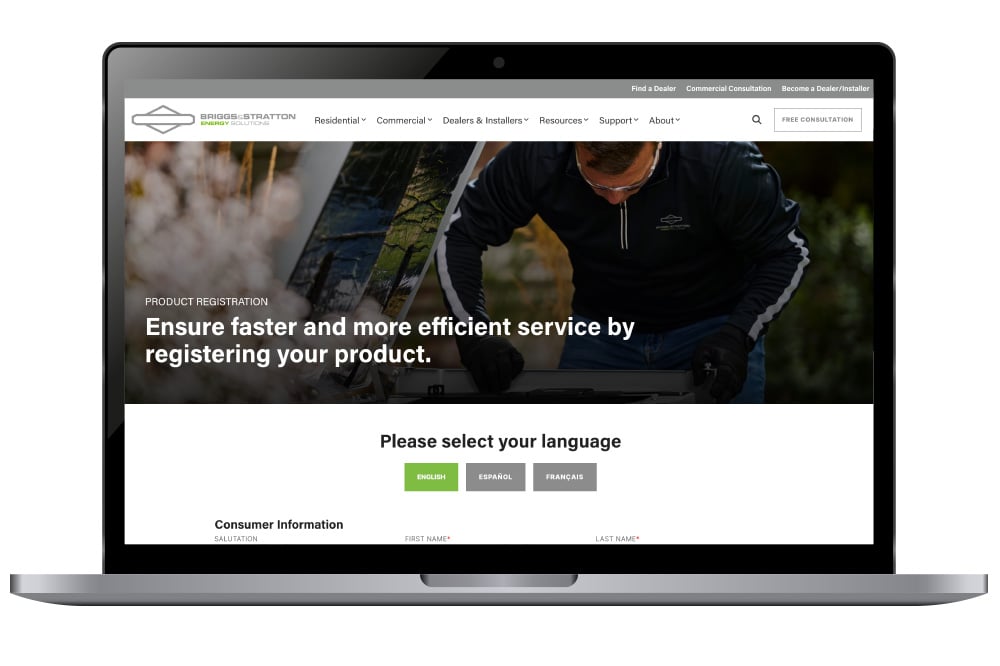
Registering your standby generator validates your installation date, locks in your factory coverage, and enables priority service routing with our network of certified technicians.

  • Instant Coverage Confirmation: Official record of your system serial number and warranty terms.
  • Product and Software Updates: Notifications about product and performance enhancements.

BAS-Website-Page-2-1
STEP 2: UNLOCK TOTAL CONTROL

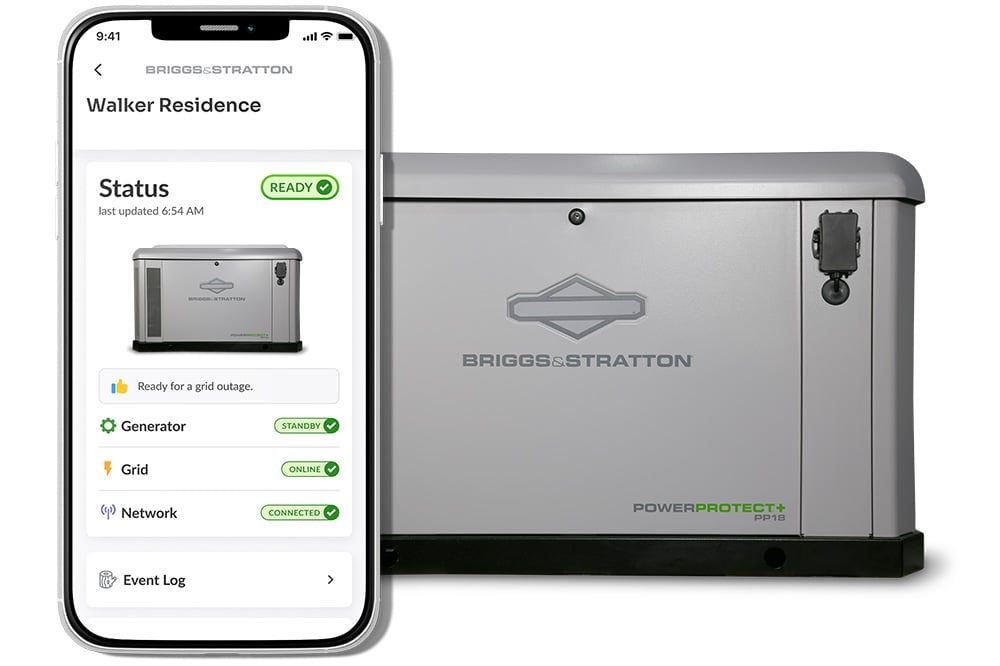
Enable EnergyTrak™ Remote Monitoring

Monitoring your power is entirely up to you. Since your generator comes with factory-installed cellular hardware, you can choose what works best: let your local dealer monitor it as a service, or add an annual subscription to monitor it yourself from anywhere!

Why EnergyTrak?

  • Instant Outage Alerts: Get immediate alerts on your phone when utility power drops and is restored.
  • Generator Health & Status: Ensure your generator ready for an outage or running during an outage status.
  • Wi-Fi-Independent Cellular Connection: Relies on cellular service, so it stays connected even if your home Wi-Fi router goes down.

Download EnergyTrak™

energytrak-store-apple-apple energytrak-google-play-app-2


BAS-Website-Page-4
STEP 3: SHARE THE PEACE OF MIND

Leave a Review

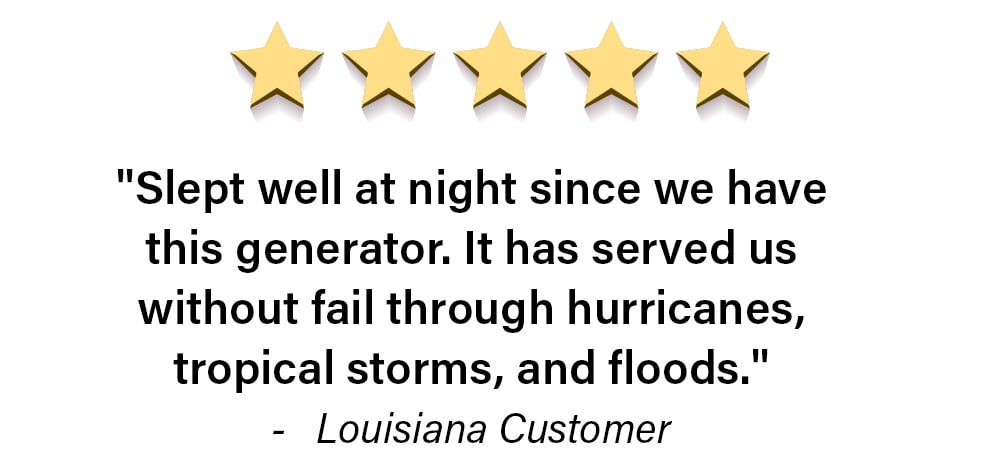
Your experience guides fellow homeowners. High-stakes home decisions are built on trust. Share your purchase and installation experience to help other families choose certainty.

Need Assistance?

A certified Briggs & Stratton installer or dealer can help with service and repairs. To find an installer near you, please use our locator.